
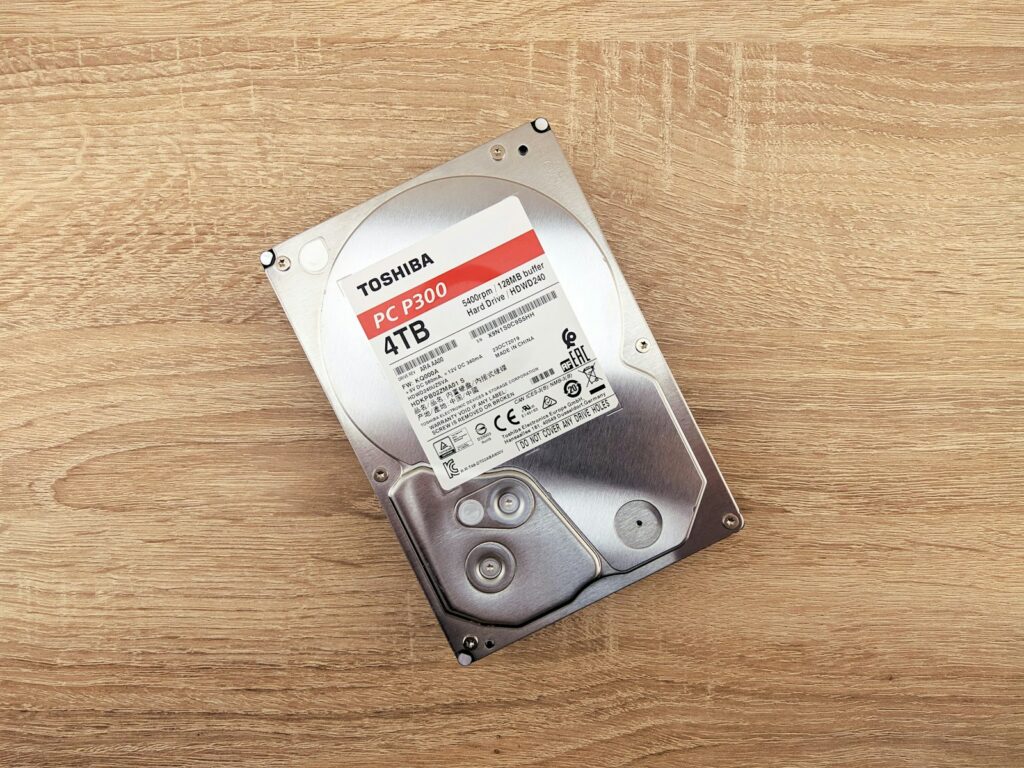
A stolen phone or a broken laptop is annoying. Losing your photos and documents is even worse. A good backup prevents that.
The 3-2-1 rule
Keep 3 copies of your files, in 2 different places, with 1 outside your home, for example in the cloud.
On your phone
- iPhone: usually via Settings → your name → iCloud → iCloud Backup.
- Android: usually via Settings → Google → Backup, and Google Photos for your photos.
On your laptop
- Windows: OneDrive, or File History with an external drive.
- Mac: Time Machine with an external drive.
Check now and then
A backup is only good if you can restore it. Once a month, open a few files from your backup.
Would you like us to set up an automatic backup for you? Book an appointment, at home or remotely.