
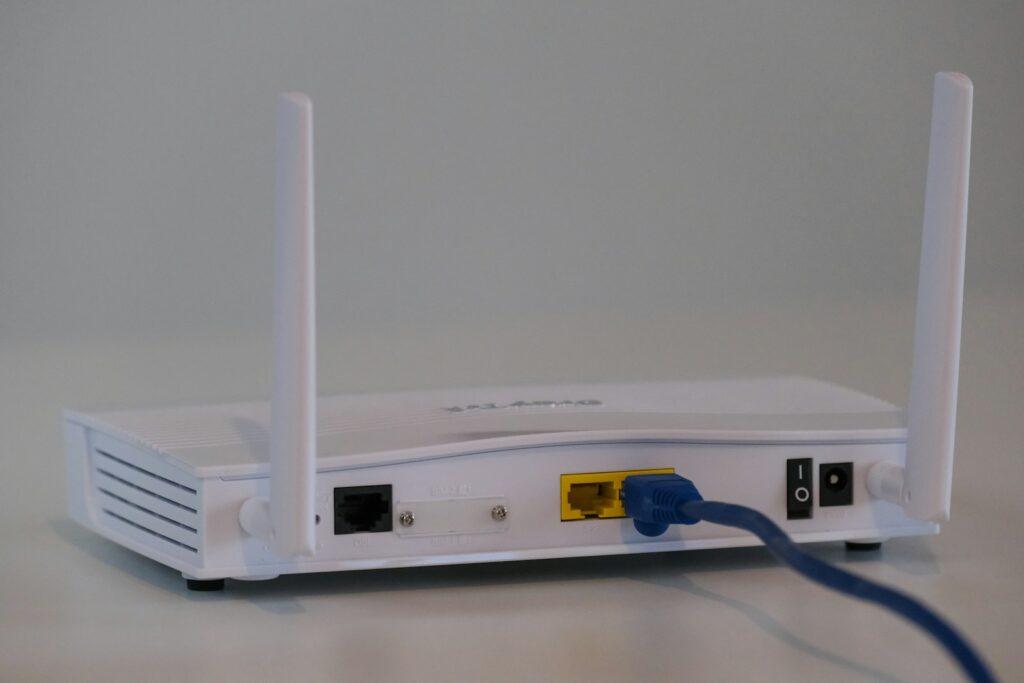
Does the internet work fine in the living room, but drop out in the bedroom? Try these tips first.
1. Put the router central and high
Not in a cupboard, behind the TV or on the floor. The more open and central, the better the signal.
2. Restart the router
Unplug it for 30 seconds and plug it back in. That fixes problems surprisingly often.
3. Choose the right network
Many routers have a 2.4 GHz and a 5 GHz network. 5 GHz is faster up close, 2.4 GHz reaches further through walls.
4. Avoid interference
Thick walls, mirrors, aquariums and microwaves weaken wifi. Moving the router a few metres often helps.
5. Check which devices are connected
Old devices, or someone downloading big files, slow the network down for everyone.
6. Consider mesh wifi
In bigger homes or over several floors, a mesh system gives strong wifi in every room, without running cables.
Would you like us to check and set up your home network? Book an appointment for help at home in Ghent and surroundings.